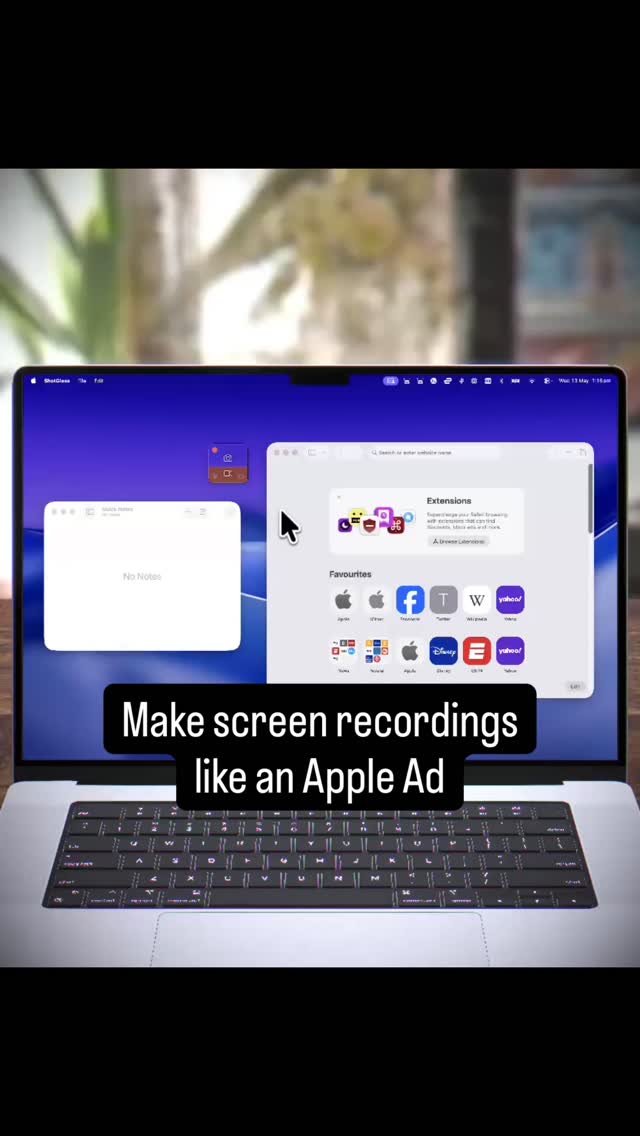
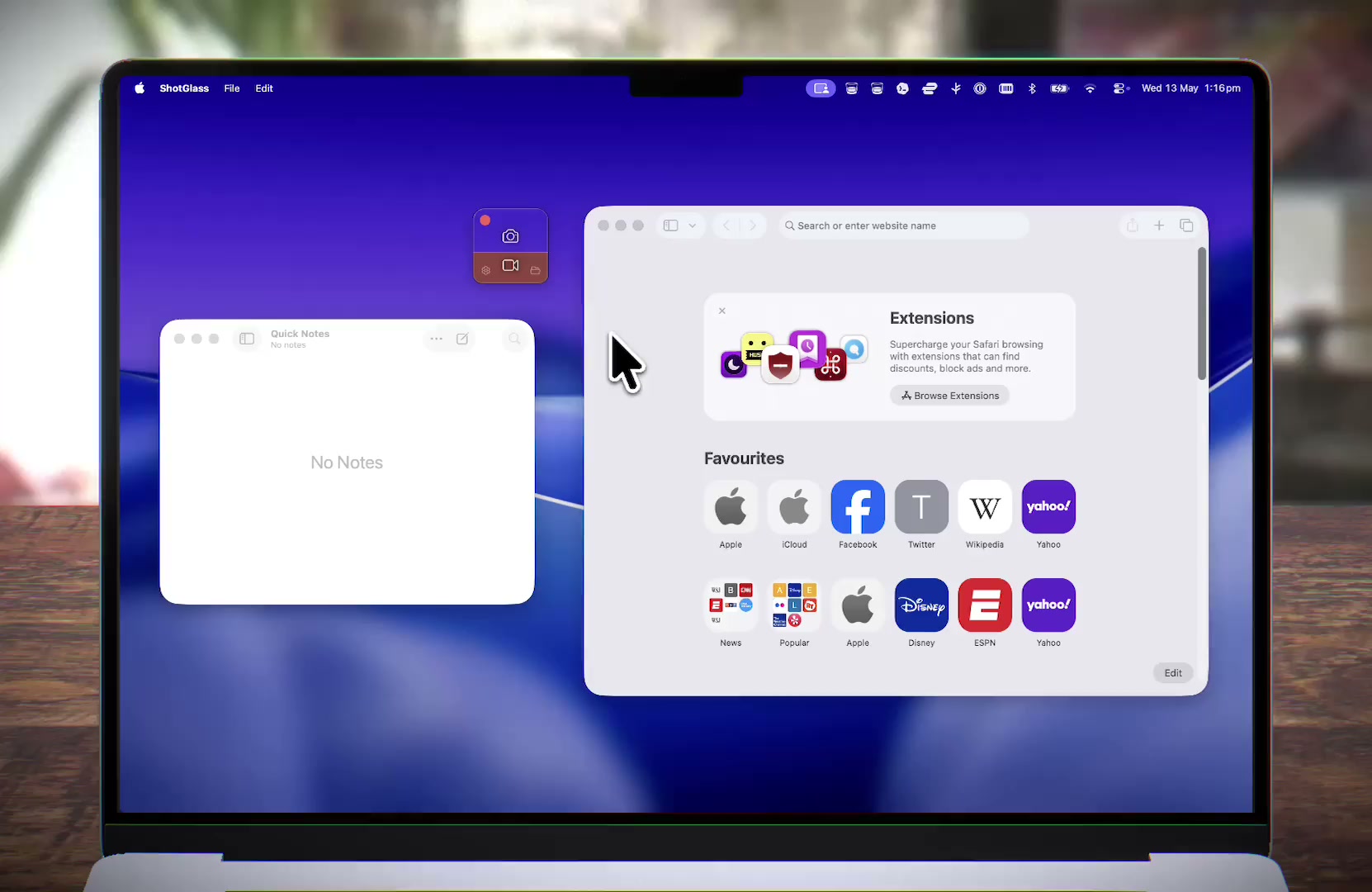
It’s a screen recorder and screenshot tool that can make cinematic demos like this. All automatically. You just click the record button, do your thing, then you can make it 3D in the editor.
Or just enjoy smooth automatic zoom.
Why did I build it?
I was tired of jumping between four apps to make one product demo. Screenshots, recordings, annotations, and After Effects for anything cinematic.
I’d also seen the MacBook Neo commercials (recording playing on a 3D MacBook in a scene) and wondered why no screen recorder just did that.
So I made ShotGlass to do all of it: record your screen or multiple windows (and rearrange them after), take and annotate screenshots, or drop a recording onto a virtual 3D MacBook with a simulated camera lens.
I tried to make it simple to use and, for fun, themed like a glass of whisky. I’m updating it quite a lot, so I’d love your feedback and feature requests.
Meet ShotGlass
It’s a screen recorder and screenshot tool that can make cinematic demos like this. All automatically. You just click the record button, do your thing, then you can make it 3D in the editor.
Or just enjoy smooth automatic zoom.
Why did I build it?
I was tired of jumping between four apps to make one product demo. Screenshots, recordings, annotations, and After Effects for anything cinematic.
I’d also seen the MacBook Neo commercials (recording playing on a 3D MacBook in a scene) and wondered why no screen recorder just did that.
So I made ShotGlass to do all of it: record your screen or multiple windows (and rearrange them after), take and annotate screenshots, or drop a recording onto a virtual 3D MacBook with a simulated camera lens.
I tried to make it simple to use and, for fun, themed like a glass of whisky. I’m updating it quite a lot, so I’d love your feedback and feature requests.