
THIS GUY BUILT A SCREEN RECORDER THAT MAKES YOUR DEMOS LOOK LIKE AN APPLE COMMERCIAL every founder right now has the same problem. you build something cool but your demo video looks HORRIBLE (like a janky screen recording from 2014)
I started building apps as a side project. Now I can’t stop.
I do all the design, programming, marketing and support completely solo. You can always contact me directly at jake@merlinsbeard.ai
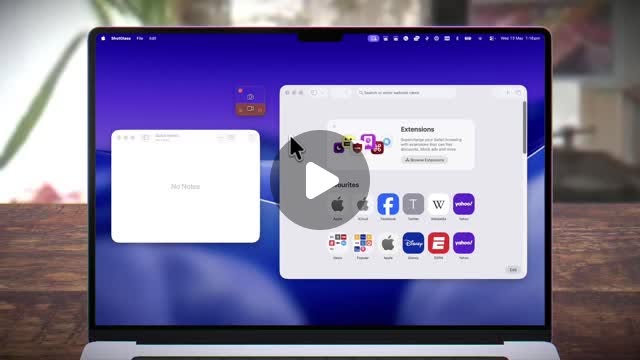
See my projectsEvery demo video I recorded looked like a screen grab from 2014, so I made an app to make my simple screen recordings automatically look like an Apple commercial.
Beautiful screen captures, without the effort
The screen recording and screenshot app that does the polish for you, so sharing takes minutes not hours.
I made an app to make screen recordings like an Apple Ad Just crossed 200 users!

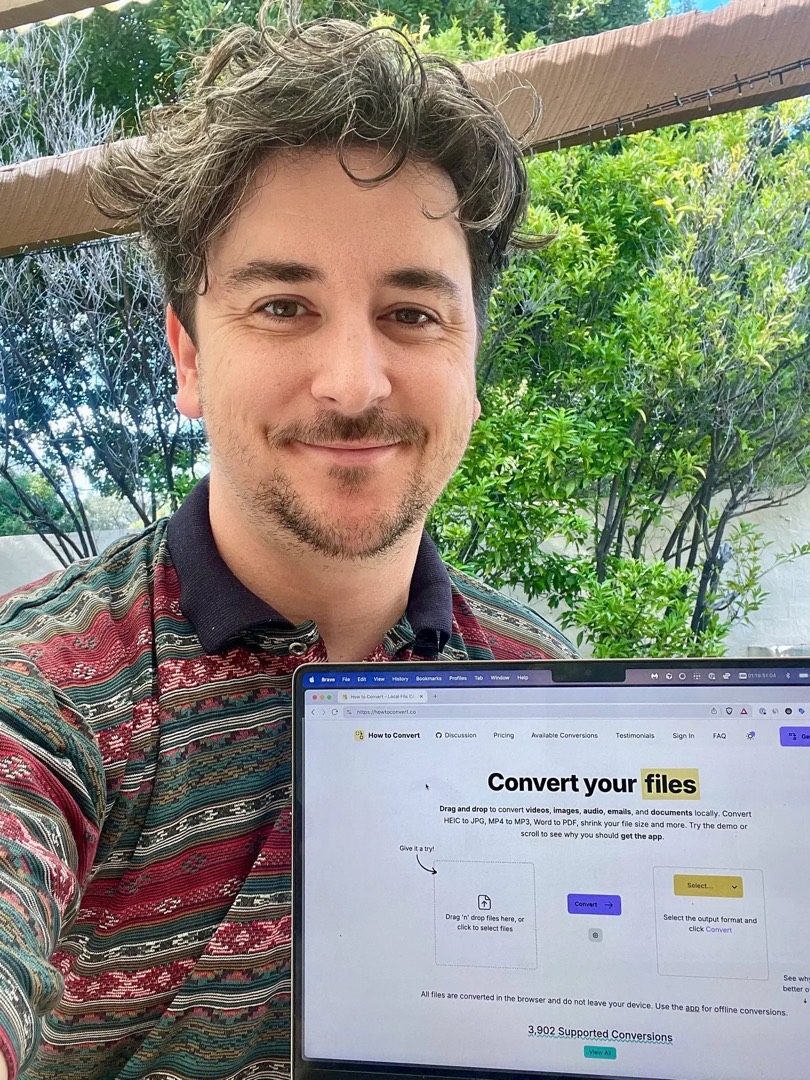
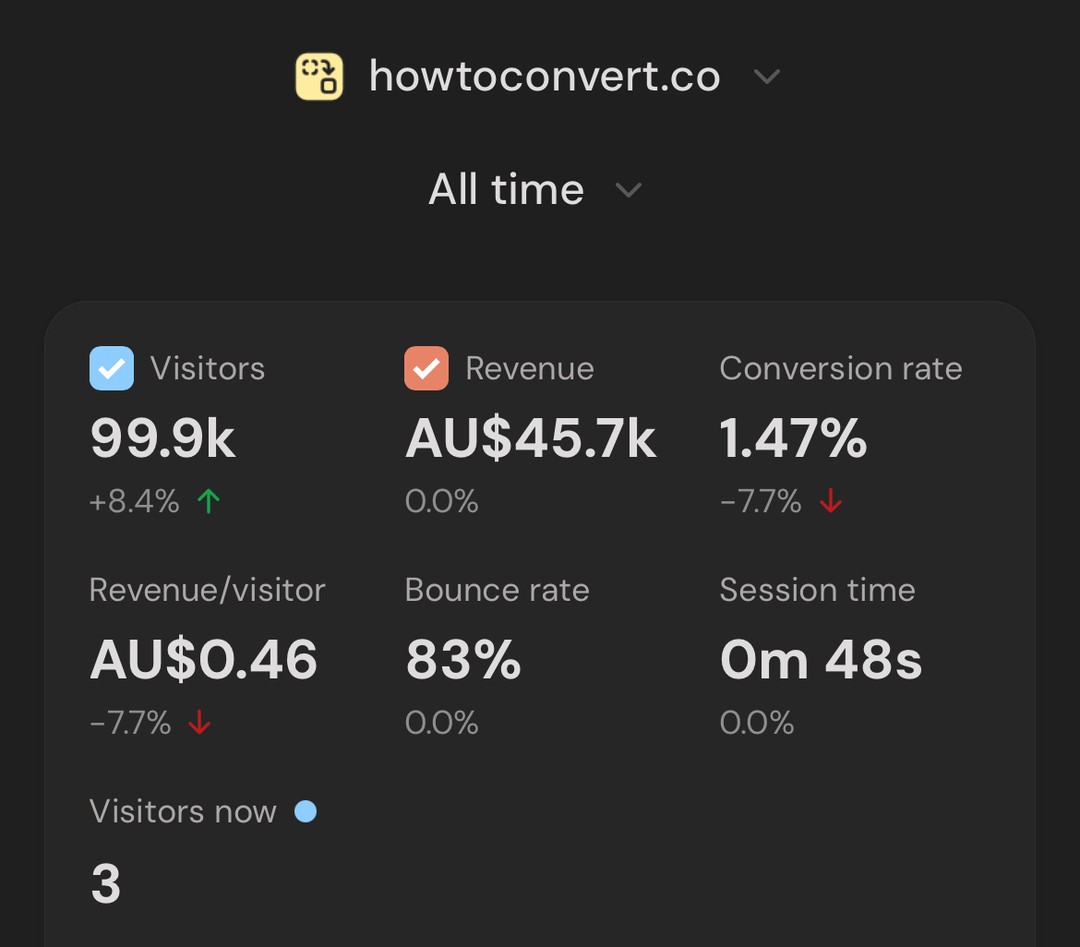
This was the first app that people actually wanted: How to Convert. It’s a file converter that runs entirely on your own machine. Nothing gets uploaded to the cloud like every other file converter you find on Google.
Convert your files
Drag and drop to convert videos, images, audio, emails, and documents locally. Convert HEIC to JPG, MP4 to MP3, Word to PDF, shrink your file size and more. Try the demo or scroll to see why you should get the app.
All files are converted in the browser and do not leave your device. Use the app for offline conversions.
I wanted to know what was slowing my Mac down without opening Activity Monitor. This app lets you see everything that’s happening on your Mac in a single line in the menu bar.
See what your Mac is doing.
In one line.
Live CPU, GPU, RAM, network, and app activity in your Mac menu bar.
ActivityLine interactive product tour
- One line. Always alive.
- Click to change what you’re watching.
- Your browser eating the RAM again? You’ll see it.
- Hover to see what’s responsible.
- Auto switches to whatever spikes.
- Network bursts show up too.
- Right-click for modes and settings.
- That’s the app.
- See what’s slowing down your Mac.
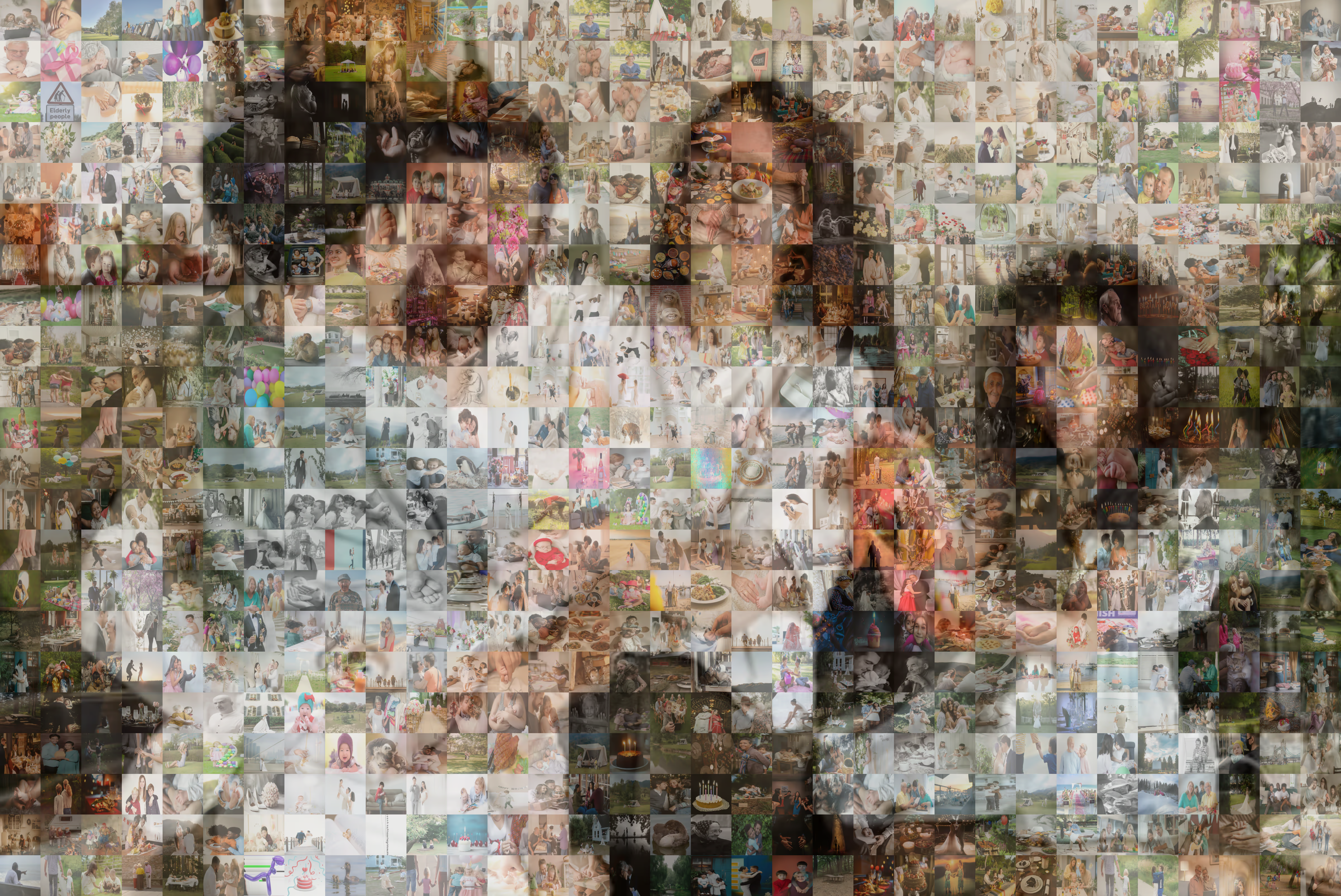
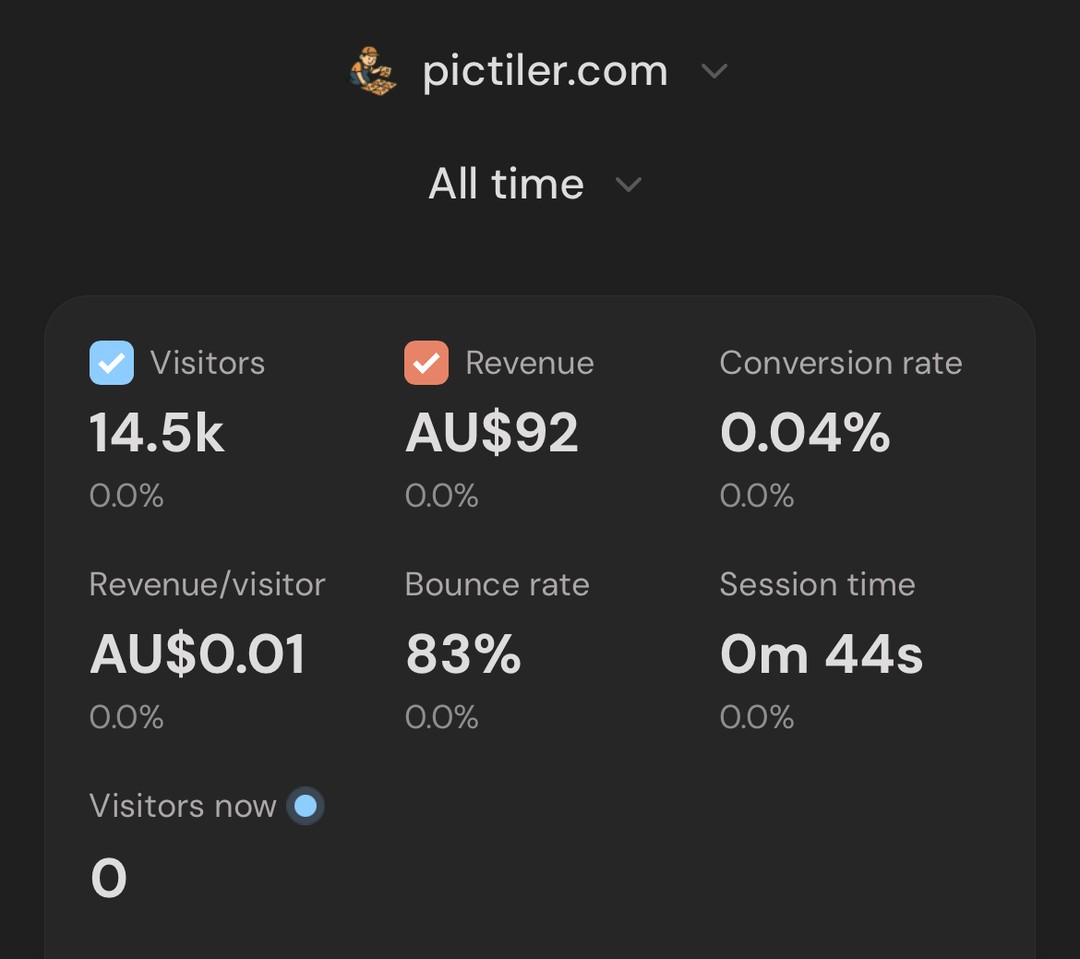
I wanted to make a photomosaic for my girlfriend, and built this app to do it. Then I turned it into a website, and now it’s this.
Transform Your Photos Into Mosaics
🖼️ Add your main image and create a beautiful mosaic
🧩 Use your own tile images or stock photos for truly unique results
🎛️ Adjust tile size for different mosaic effects
💾 Download high-quality results instantly
🔒 100% browser-based - your photos never leave your device
Turn your favorite pictures into stunning photomosaics using your own images as building blocks.
Everything processes in your browser - your files don't leave your device!
🎨 Start Creating Now
RefWaffle came out of running my own affiliate program and disliking every tool built for it. You just give affiliates a coupon code.
Just give affiliates coupon codes
Coupon-based affiliate tracking. Connect Stripe or Paddle and launch in minutes.
For Affiliates
Get your code
You get a unique coupon code to share with your audience — on social media, YouTube, your blog, anywhere.
Your Coupon Code
PEWDIEPIE
10% discount for customers | 30% commission for you
Or share it with a link — visitors see a small modal and click to apply the discount.
🎟️ You've been referred!
Apply code PEWDIEPIE for 10% off your purchase?
I needed a form builder to quickly fill in paperwork from just a simple photo. I mainly built it so Operation Rainbow, a charity that performs cleft lip surgeries in the Philippines, could fill out their paperwork faster.
Build forms and get data fast
The easiest way to create, share, and analyze forms. Build beautiful forms in seconds and export responses to Excel.
Get startedHere’s where I share what I’m up to.
I also do research.